



Last Updated: September 2026
Evernote is one of the most popular note-taking apps, but it’s far from the only option. If you’re looking for an Evernote alternative, you’ll quickly run into dozens of tools that all promise to help you save notes, ideas, and documents. The problem is not finding options. The problem is knowing which ones are actually worth your time.
In this post, you’ll find a curated list of 10 free Evernote alternatives, a clear comparison of what each app does well and where it falls short, so you can choose the one that fits how you take notes and organize your work.
Why people are looking for an Evernote alternative
Most note-taking apps look fine at first, but problems show up with daily use. These are the main reasons people start searching for an Evernote alternative:
- Device limits on the free plan: Evernote Free currently syncs with one device, which can be restrictive if you regularly move between your computer and phone.
- Limits on the free plan: The free tier currently includes up to 50 notes and one notebook, so people who build larger note libraries may outgrow it quickly.
- Price increases: When the cost goes up without a clear benefit, many reassess whether the tool still makes sense.
- Search feels weak as notes grow: When you have lots of mixed content, finding what you need fast becomes harder.
- Missing features people actually use: Things like block-level editing, better Markdown support, or lightweight tagging can be deal-breakers.
What to look for in a good Evernote alternative?
Before picking any note-taking app, it helps to know what actually matters in daily use. These are the points that make the difference once your notes start to grow:
- Reliable sync across devices: Your notes should stay up to date on desktop and mobile without manual refreshes or conflicts.
- Offline access: You should be able to read and edit your notes without an internet connection and sync later.
- Flexible organization: Folders, tags, or both. The system should adapt to how you organize information.
- Support for attachments: Images, PDFs, and links are part of real note-taking, not extras.
- Cross-platform support: Windows, macOS, and mobile apps should offer a consistent experience.
- Export and portability: You should be able to move your notes if you decide to change tools in the future.
- A free plan you can really use: The free version should allow proper testing, not just a short demo.
The best way to work with note-taking apps on your PC
Your notes usually live next to email, chat, documents, and tasks, so having everything scattered across separate windows makes simple things slower than they should be. A workspace that keeps all your tools in one place helps you stay focused and avoid constant context switching.
With Rambox, your note-taking app is always available in your main workspace. You can open tools like OneNote, Google Keep, or Zoho Notebook alongside your email or chat apps and move between them without losing what you were doing.
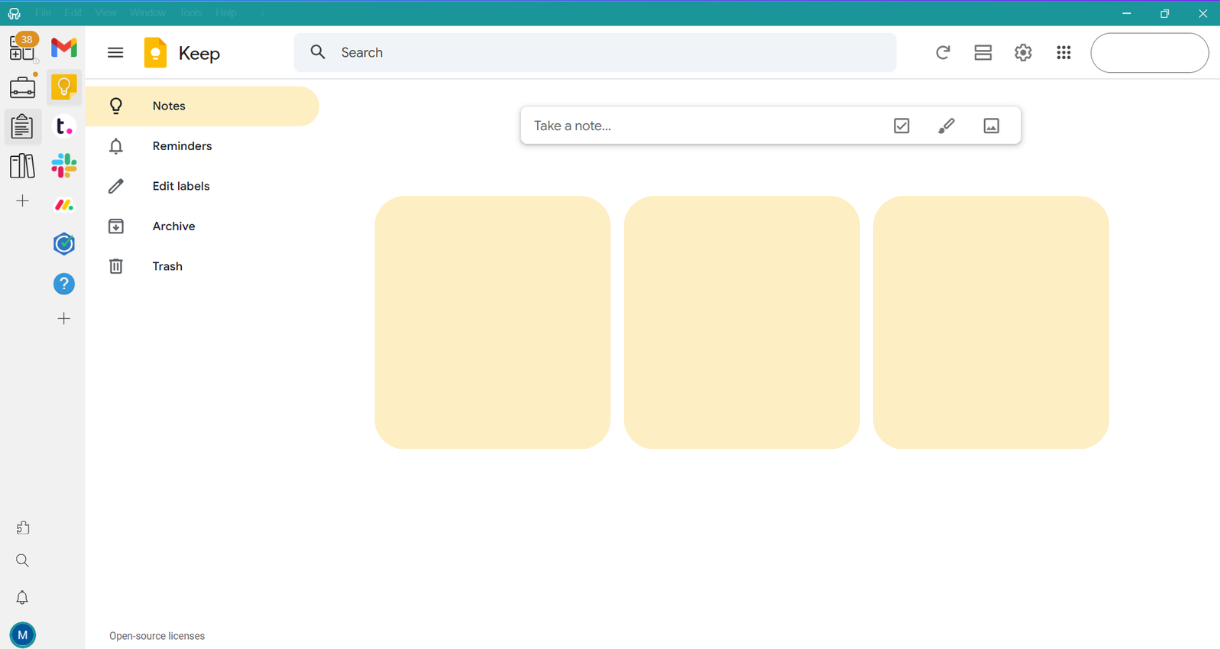
Sounds good, doesn’t it? The best thing is that you can try Rambox for free. Just create an account, download the app, and start using your note-taking tools from one single place.
No cards, no cheating, it’s that simple!
Quick comparison of the best Evernote alternatives
Before going into each app, here’s a quick table comparing the Evernote alternatives I selected, based on the features that matter most when you use notes:
| App | Sync across devices | Offline access | Flexible organization | Support for attachments | Cross-platform support | Export and portability | Free plan |
| Microsoft OneNote | ✔️ | ✔️ | ✔️ | ✔️ | ✔️ | ✔️ | ✔️ |
| Joplin | ✔️ | ✔️ | ✔️ | ✔️ | ✔️ | ✔️ | ✔️ |
| iCloud Notes | ✔️ | ✔️ | Basic | ✔️ | Limited | Limited | ✔️ |
| Google Keep | ✔️ | Limited | Basic | Limited | ✔️ | Limited | ✔️ |
| Simplenote | ✔️ | ✔️ | Basic | ❌ | ✔️ | ✔️ | ✔️ |
| Zoho Notebook | ✔️ | ✔️ | ✔️ | ✔️ | ✔️ | ✔️ | ✔️ |
| Standard Notes | ✔️ | ✔️ | Basic | ❌ | ✔️ | ✔️ | ✔️ |
| Dropbox Paper | ✔️ | Limited | Basic | ✔️ | Web | ✔️ | ✔️ |
| Notejoy | ✔️ | Paid plans | ✔️ | Limited | ✔️ | Paid plans | ✔️ |
| WorkFlowy | ✔️ | ✔️ | Outline based | Limited | ✔️ | ✔️ | Limited |
Top 10 (and free) Evernote alternatives
After going over what to look for in a notes app and comparing the main options side by side, let’s get down to business. These are the top 10 Evernote alternatives I’ve picked and why.
1. Microsoft OneNote
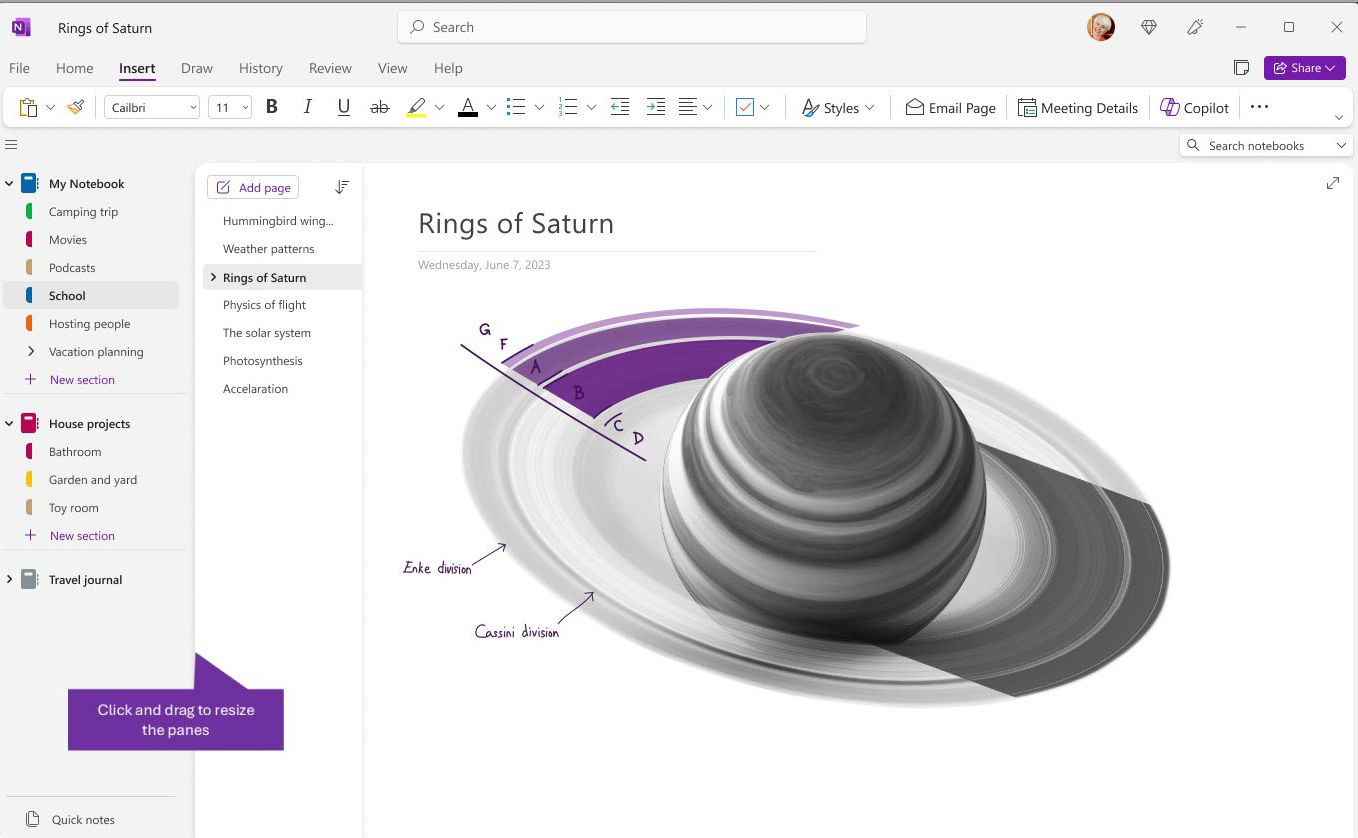
If you want a full-featured note-taking app, OneNote is one of the best options.
Source: Microsoft Support
It handles long notes, images, PDFs, and mixed content without problems, and it scales well when your note library grows. The notebook, section, and page structure makes it easy to separate work notes from personal stuff without creating a mess.
OneNote works across Windows, macOS, mobile, and web, and syncing is stable as long as you use a Microsoft account. Offline access works well on desktop, so you can keep working even without an internet connection and sync later. Search is fast, even with large note collections, and attachments are handled without friction.
Where OneNote may fall short: flexibility
The structure is fixed, and if you prefer tag-only systems or markdown-style notes, it can feel restrictive. The interface can also feel heavy if all you want is a fast place to dump short notes.
2. Joplin
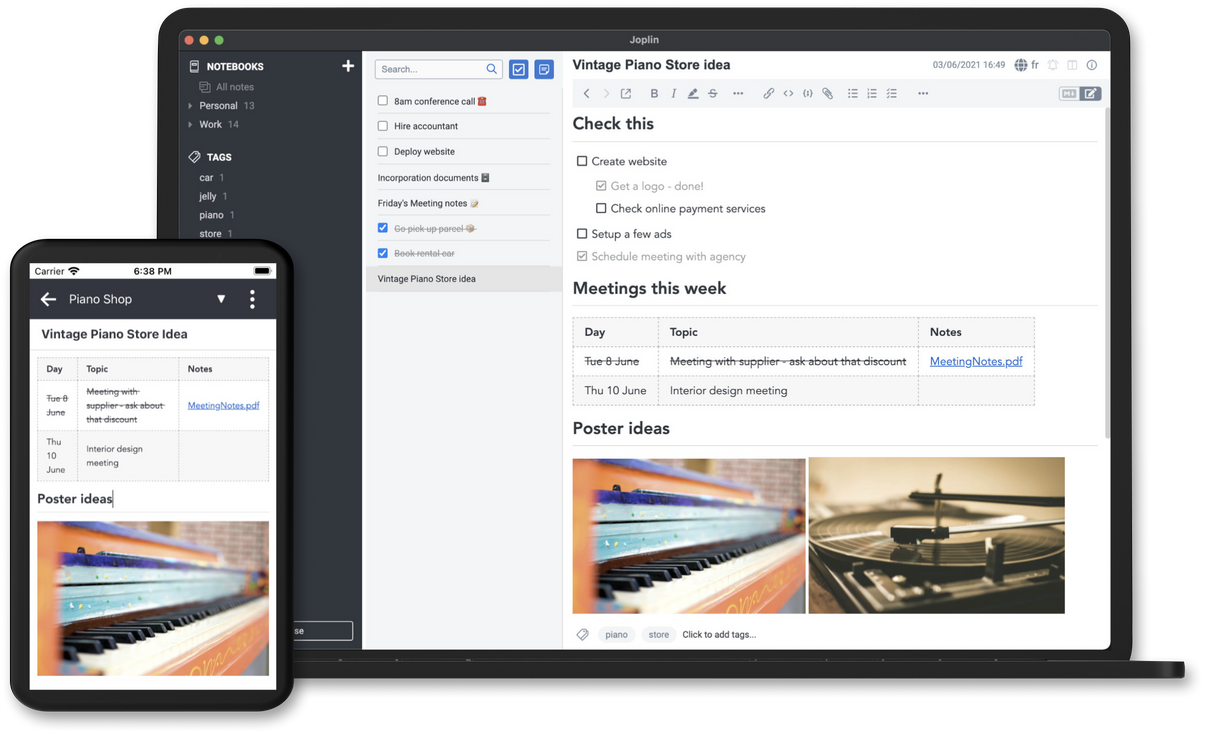
Joplin is a good choice if you want more control over your notes and how they are stored. It works well with long notes, supports images and attachments, and handles large note libraries without slowing down too much. The folder and tag system gives you more freedom than rigid notebook structures, especially if you like keeping things well categorized.
Source: Joplin
Joplin works on Windows, macOS, Linux, mobile, and web. Offline access is solid, and you can sync your notes using different services or keep everything local if you prefer. Search works well even with many notes, and exporting your content is straightforward, which makes it easier to move away later if you ever change tools.
Where Joplin can fall short: interface and ease of use
It feels more technical than most note-taking apps, and the experience is not as polished as more mainstream tools.
3. iCloud Notes
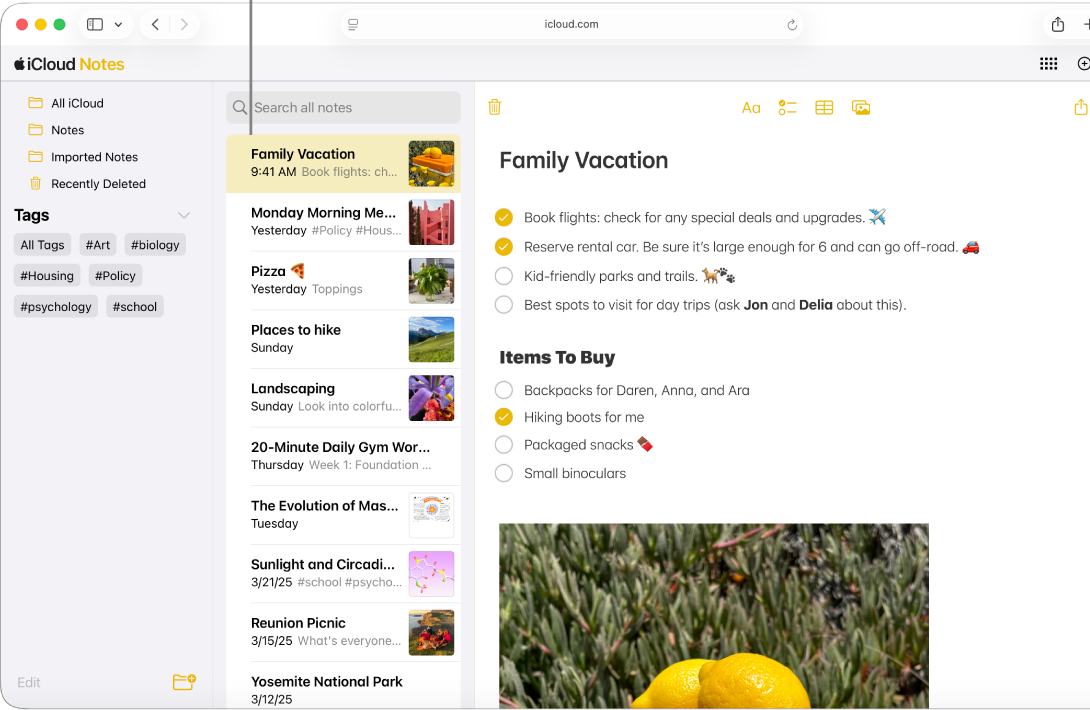
iCloud Notes is a solid option if you work mainly on Apple devices and want a notes app that integrates with the built-in Notes app on iPhone, iPad, and Mac. It handles text notes, images, checklists, and file attachments without extra setup, and it syncs your content across your devices through iCloud.
Source: Apple Support
On Apple devices, notes that have already been downloaded remain available even when you’re offline, and any edits you make will sync back to iCloud once you’re connected again. Search works as expected for everyday note finding.
Where iCloud Notes falls short: cross-platform support
Outside Apple devices, the experience is limited to the web version, which still needs an internet connection. The organization system is simpler compared to other tools that offer more advanced tagging or nested structures.
👉🏻 If you want to use iCloud Notes on a Windows device, don’t miss our guide on how to get iCloud Notes on Windows and how to make the web version feel closer to a desktop app.
4. Google Keep
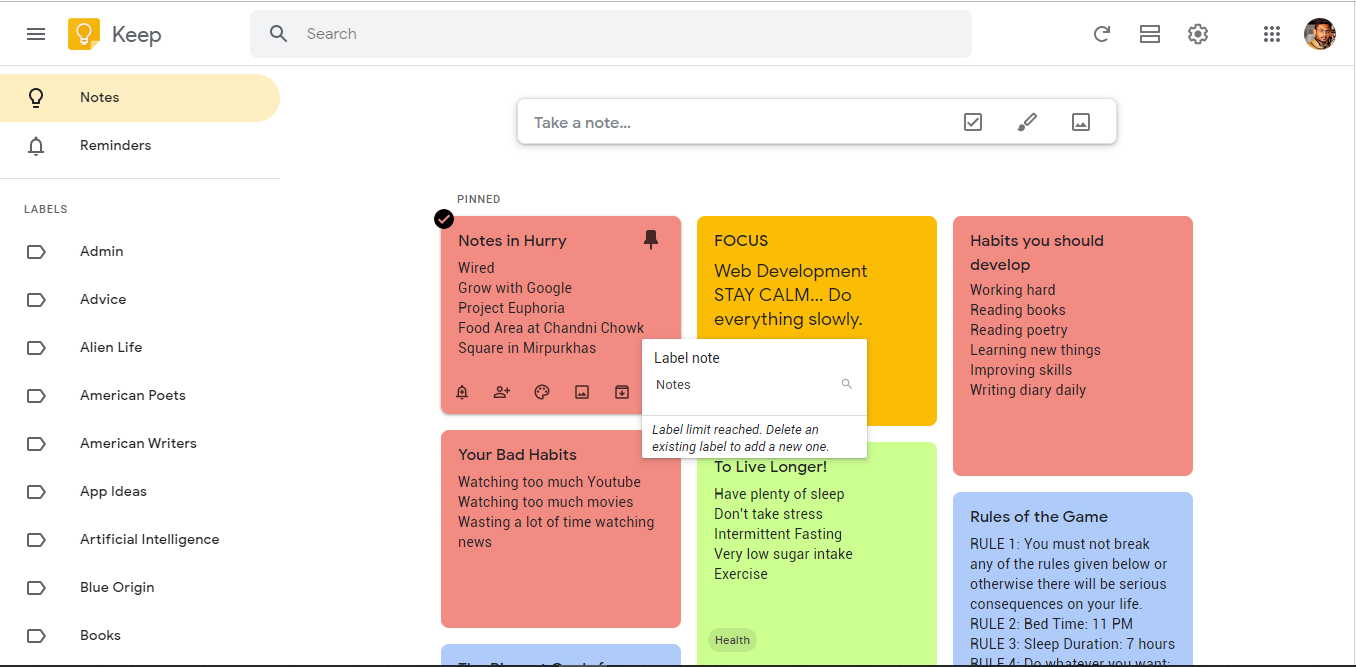
Google Keep works well if you want a fast, lightweight way to capture short notes, lists, and reminders. It’s designed for quick input rather than long documents, which makes it great for to-do lists, ideas, and small bits of information you want to grab on the go. Notes sync instantly with your Google account, so everything stays available across devices.
Source: Software Advice
It runs on the web, Android, and iOS, and syncing is reliable as long as you’re signed in to the same Google account.
Where Google Keep falls short: offline use on desktop
On PC and Mac, Google Keep runs in the browser and offline access is not available. It’s also not built for long notes or complex note libraries.
👉🏻 If you use Google Keep on your computer, you don’t have to keep it lost in a browser tab. Learn how to get Google Keep as a desktop app on Windows & Mac.
5. Simplenote
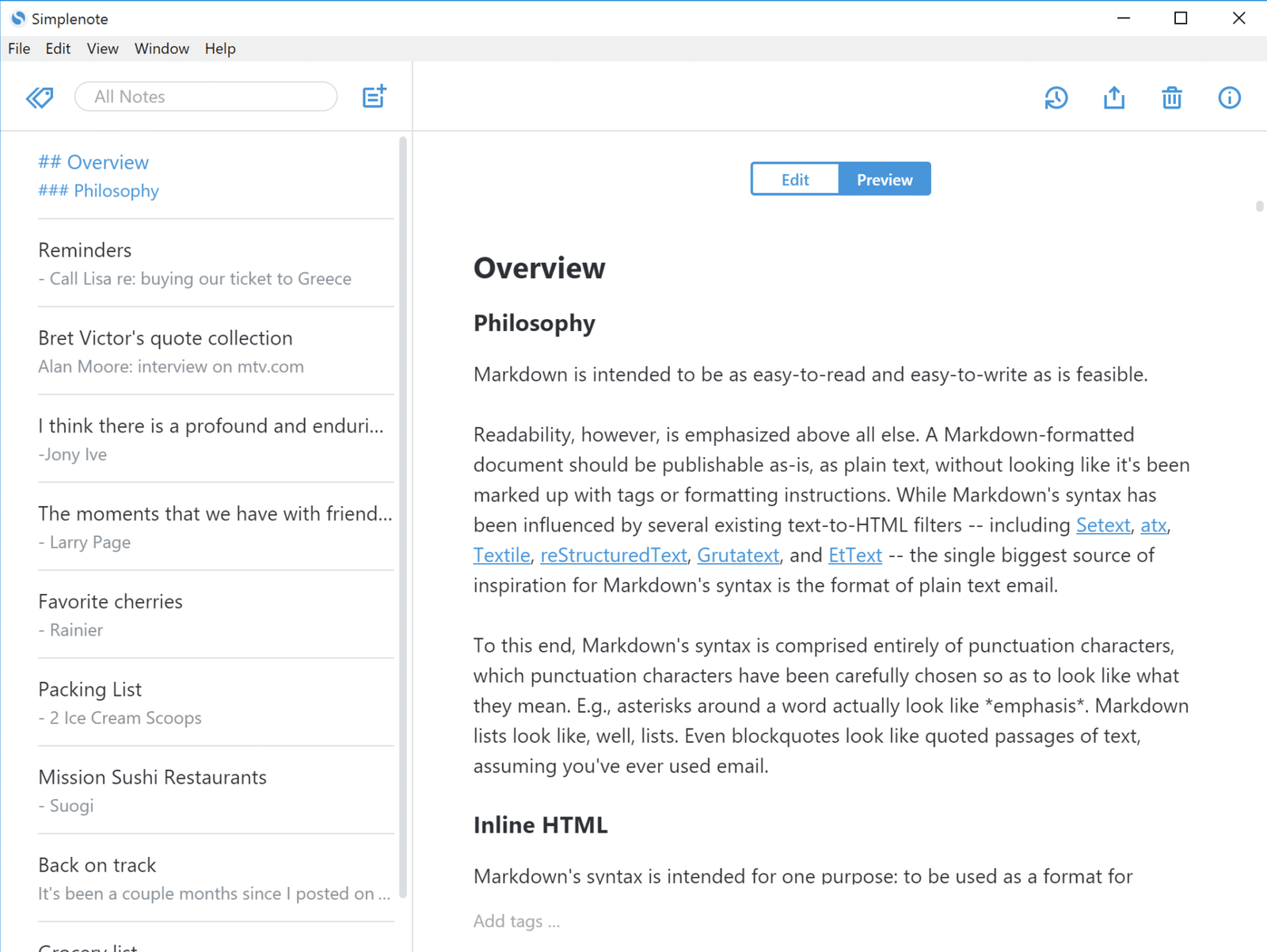
Simplenote is a good fit if you mainly work with plain text notes and want something fast that opens instantly. It’s focused on writing and quick capture, without extra features getting in the way. This makes it easy to use for ideas, drafts, and short notes you want to access from anywhere.
Source: Simplenote
It runs on Windows, macOS, Linux, iOS, Android, and web, and syncing is reliable across devices. Offline access works on desktop and mobile, and your notes sync automatically once you’re back online. Search is fast even with large note collections, but there is no support for file attachments or rich media.
Where Simplenote falls short: when you need more than text
You can’t add images, PDFs, or other files, and organization is basic compared to tools that offer folders, nested structures, or more advanced ways to manage larger note libraries.
6. Zoho Notebook
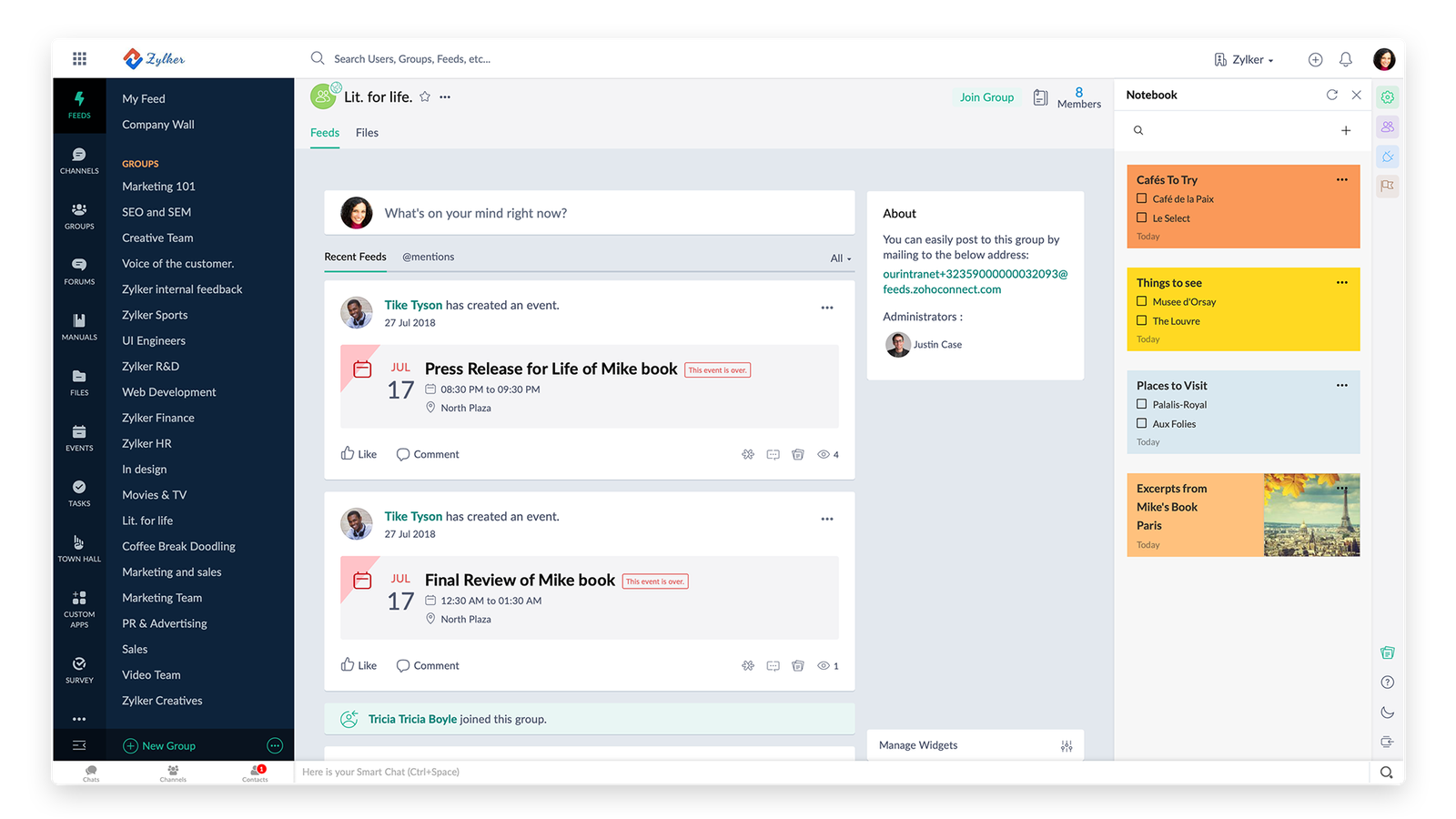
Zoho Notebook works well if you like a more visual way of organizing notes. It uses different note types for text, checklists, images, and files, which makes it easy to separate content without mixing everything into long text notes. For everyday note-taking, it feels lighter than more complex tools.
Source: Zoho
It runs on the web, Windows, macOS, Linux, iOS, and Android, and syncing works across devices with a Zoho account. Zoho Notebook also supports offline use, so you can continue reading and editing notes without an internet connection and sync your changes when you reconnect. The free Essential plan includes unlimited note creation and sync, 2 GB of storage for personal users, and support for files up to 100 MB.
Where Zoho Notebook falls short: advanced features
Some advanced search, storage, organization, and productivity features are reserved for paid plans, so users with larger or more complex note libraries may eventually need to upgrade.
7. Standard Notes
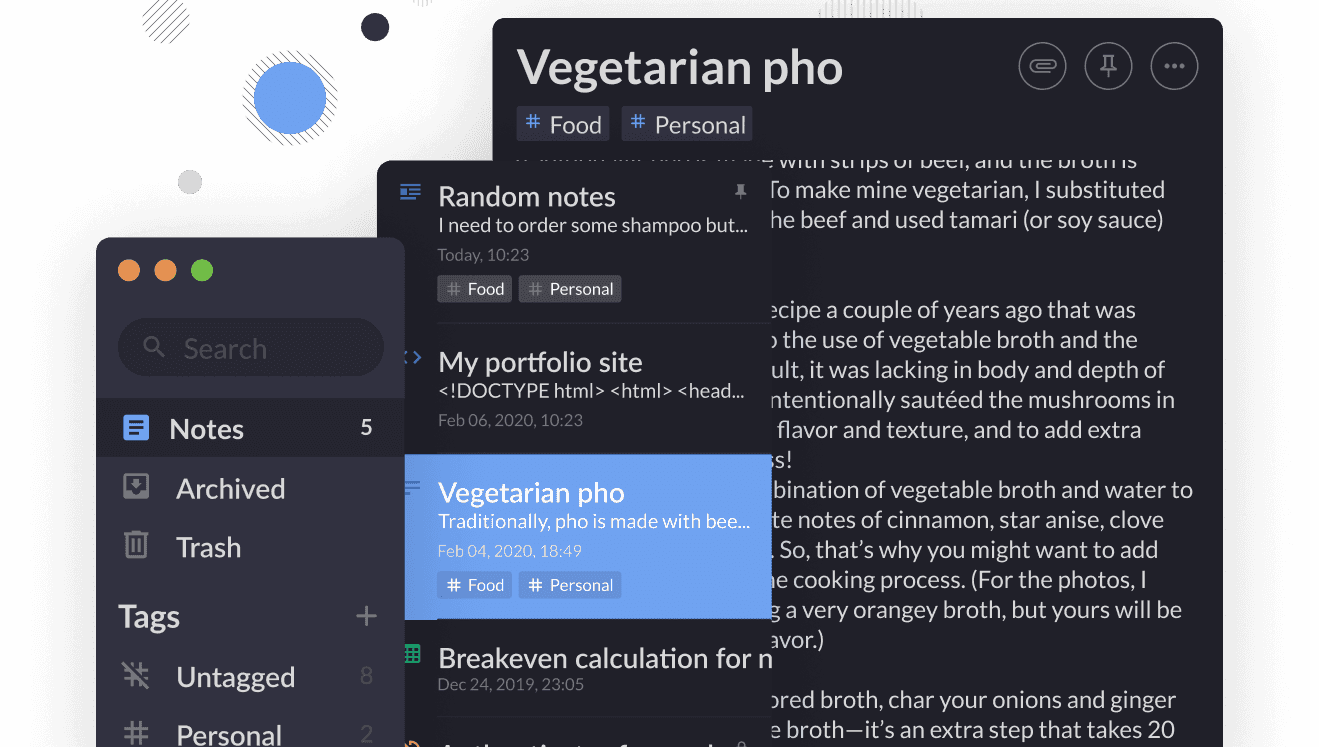
Standard Notes is a good option if privacy matters to you and you mainly work with text-based notes. Notes are stored with end-to-end encryption, so only you can read them. It handles long notes well and stays fast even when your library grows, which makes it suitable for personal knowledge bases and writing.
Source: Standard Notes
It runs on Windows, macOS, Linux, iOS, Android, and web. The free plan includes unlimited device sync, offline access, end-to-end encryption, tags, and full data export. Notes sync once you reconnect, and you can export your data if you want to keep local backups or move elsewhere.
Where Standard Notes falls short: features on the free plan
The free version focuses on plain text notes. Rich text and Markdown editors, folders, and encrypted file attachments require a paid plan, which can be limiting if you want more than a secure text-based notes app.
8. Dropbox Paper
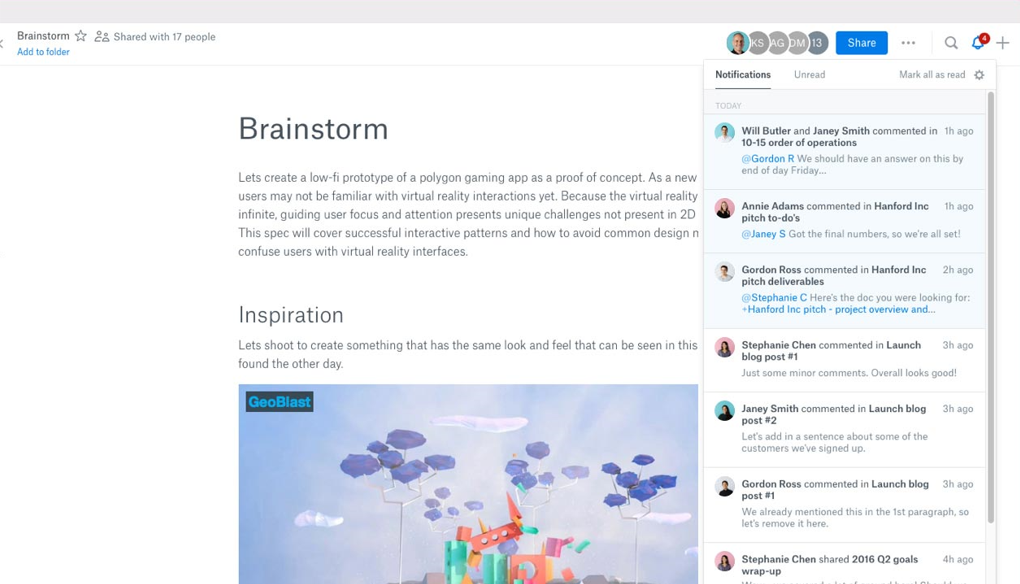
Dropbox Paper works well if you take notes in a more document-style way and often collaborate with other people. It’s closer to a lightweight writing and collaboration tool than a classic personal notes app. You can mix text, images, checklists, and comments in the same document, which makes it useful for meeting notes or shared docs.
Source: Dropbox Paper
Dropbox Paper is now primarily a web-based experience. Its standalone mobile app was discontinued on October 9, 2025, but Paper documents remain available through paper.dropbox.com in desktop and mobile browsers.
Where Dropbox Paper falls short: offline and long-term note management
Because Paper is primarily web-based, it is less suitable if offline access is important. There are also no traditional notebooks or tag systems like those found in dedicated note-taking apps, which can make large personal note libraries harder to organize.
9. Notejoy
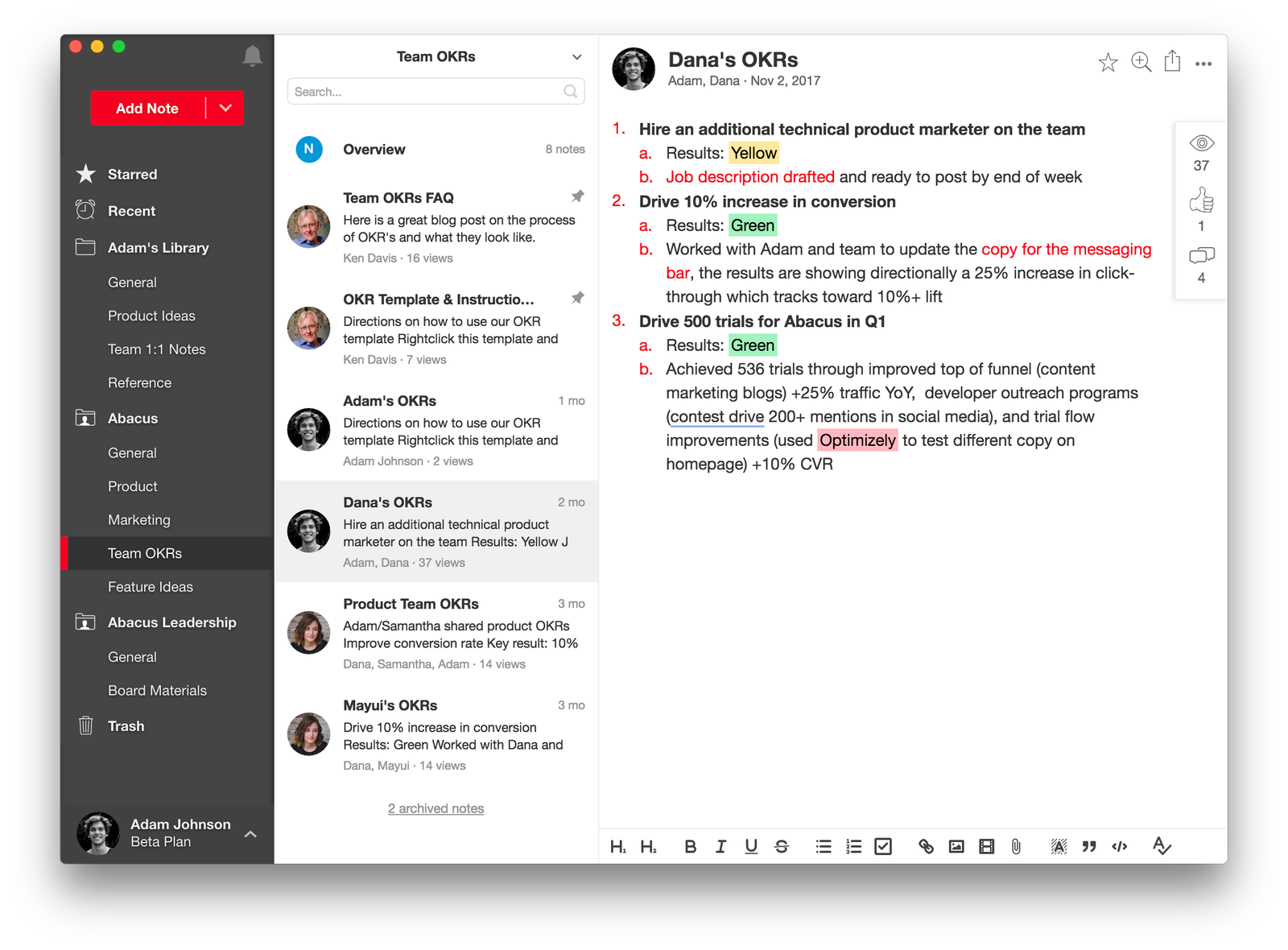
Notejoy is built with teams in mind, but it can also work for personal notes if you like a clean, document-based layout. It handles long notes, images, and attachments well, and the interface stays readable even when your notes start to grow. It’s a good option if you often share notes or collaborate with others.
Source: Notejoy
It runs on Windows, macOS, iOS, Android, and web, and syncing works across devices. The free plan supports up to five notebooks, 10 MB per file upload, and 100 MB of library storage. Offline access and note export require a paid plan.
Where Notejoy falls short: limits on the free plan
Storage and file upload limits are relatively small on the free tier, and offline access, export, larger storage capacities, and several advanced features are reserved for paid plans.
10. WorkFlowy
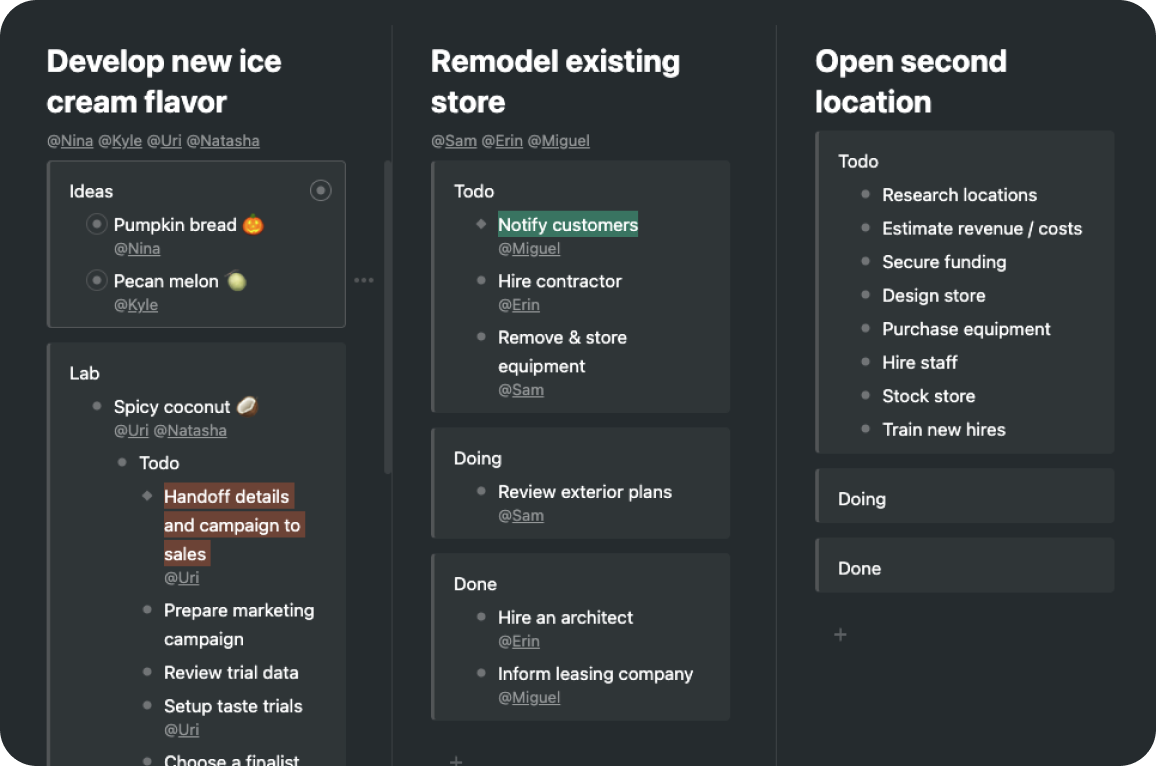
WorkFlowy is a good choice if you like organizing your notes as lists and outlines. Everything lives inside nested bullets, which makes it easy to break ideas into smaller pieces and keep large projects structured. It works well for planning, brainstorming, and keeping structured notes without distractions.
Source: WorkFlowy
It runs on the web, Windows, macOS, Linux, iOS, and Android, and syncing works across devices. Offline access works on desktop and mobile, and your changes sync once you reconnect. WorkFlowy also supports exporting your content and allows files and images.
Where WorkFlowy falls short: limits on the free plan
The free Basic plan includes all features, but it is limited to 100 new nodes per month and 100 MB of file uploads. That can become restrictive if you add content frequently.
Best Evernote alternative by use case
Not everyone uses a notes app in the same way. Some people want a fast place for short notes. Others need long documents, privacy, or shared notes with a team. Here’s a quick way to see which of the free Evernote alternatives fits each common use case.
| Best option | Why | |
| Simple personal notes | Google Keep | Fast capture for short notes, lists, and reminders without setup. |
| Long notes and mixed content | Microsoft OneNote | Handles long documents, images, and PDFs well, even with large note libraries. |
| Privacy and local control | Joplin | Lets you keep notes local or choose how and where to sync them. |
| Text-only writing | Simplenote | Lightweight and focused on plain text across all platforms. |
| Visual note organization | Zoho Notebook | Different note types make it easier to separate content visually. |
| Encrypted personal notes | Standard Notes | End-to-end encryption by default for private notes. |
| Collaborative documents | Dropbox Paper | Designed for shared documents and real-time collaboration. |
| Team knowledge bases | Notejoy | Built around shared notes and team workflows. |
| Outline-based notes | WorkFlowy | Nested lists are great for structured thinking and planning. |
How to choose the right Evernote alternative for your workflow
Before picking one of these Evernote alternatives, think about how you take notes, where you take them, and what you expect the app to handle for you over time.
Ask yourself things like:
- Do you move between desktop and mobile and expect your notes to be there instantly?
- Do you need to read or edit notes without internet and sync later?
- Do you prefer folders, tags, or simple lists?
- Do you save images, PDFs, or links inside your notes?
- Do you use Windows, macOS, and mobile devices in your workflow?
- Do you want the option to move your notes to another tool later?
- Do you want a tool you can use for free long-term, or just test before upgrading?
Answering these questions makes it much easier to narrow the list down to one or two apps that actually fit how you work, instead of picking the one with the longest feature list.
How to add these Evernote alternatives to Rambox
Have you decided which alternative to Evernote is best for you? Remember, with Rambox, you can add all these apps to your main menu for easy access with just a click!
- Click on your main panel’s “+ Add an app or workspace”
- Type the name of the app in the search bar and select it.
- Customize your app settings to your liking: Decide if you want to receive OS notifications, hear the app’s sounds, assign a specific profile, and other options Rambox offers.
- And voila! You’re all set to use your favorite note-taking app right from your desktop.
Want to see how to add apps in Rambox in action? This short step-by-step video shows you how to set it up in minutes:
FAQs about Evernote alternatives
Can I move my notes from Evernote?
Yes, but the migration method depends on the app you choose.
The old official Evernote to OneNote Importer was retired in September 2022, so older guides that recommend using Microsoft’s importer are no longer current.
Before moving your notes, export a backup from Evernote and check the current import options supported by your chosen alternative. Some apps can import Evernote data directly, while others may require an ENEX or HTML export or another migration method.
Is there an Evernote alternative that works offline?
Yes. Several alternatives let you use and edit notes without an internet connection, syncing later once you reconnect:
- Microsoft OneNote: Works offline on desktop; changes sync via OneDrive when you go online.
- Joplin: Fully usable offline, with optional sync services you choose.
- Simplenote: Offline editing works and syncs once reconnected.
- Zoho Notebook: Works offline and syncs changes when you reconnect.
- Standard Notes: Lets you edit locally offline and sync later.
- WorkFlowy: Offline support exists in native apps on desktop and mobile.
Apps that run mainly in a web browser may require internet access on desktop, such as Google Keep and Dropbox Paper, so offline use depends on the specific app and platform.
Which Evernote alternative works best on Mac and Windows?
Several alternatives offer strong cross-platform support:
Best all-around on both Mac and Windows:
- Microsoft OneNote: Full native apps on both platforms with similar features and stable syncing.
- Joplin: Cross-platform desktop apps that behave similarly on Mac, Windows, and Linux, plus mobile versions.
Good cross-platform but with limitations:
- Simplenote: Works consistently across platforms, focused on text notes.
- WorkFlowy: Cross-platform outline tool with apps on Mac and Windows.
- Zoho Notebook and Standard Notes also support both, though organization options and advanced features vary.