
How to have multiple Google Drive accounts on one desktop?
Find out how to have and manage multiple Google Drive accounts on one desktop seamlessly, keeping your work, personal, and shared files always at hand.
How to get the Google Drive App on your desktop (Mac & Windows)
If you use Google Drive every day for work, school, or personal projects, quick access to your files can save you time and keep you organized. No more opening your browser, typing in the address, and searching through tabs—just one click and you’re in. In this guide, you’ll learn how to get the Google Drive […]
How to get Google Meet App on your desktop
If you’re constantly jumping into video calls, having a Google Meet desktop app can save you time and hassle. No more lost tabs or hunting through bookmarks, just one click and you’re ready to join your meeting. In this post, you’ll find out how to get the Google Meet desktop app on Mac or Windows […]
Create & manage multiple Facebook accounts: A step-by-step guide
Managing just one Facebook account can already feel like a full-time job. But what if you need separate profiles for personal use, your business, or different projects? You’re probably wondering, can you have multiple Facebook accounts without running into trouble? In this guide, we’ll explain what Facebook’s official policy says about multiple accounts, show you […]
The easiest way to switch Amazon accounts on your laptop

If you use Amazon regularly for work—whether it’s to manage business purchases, check on orders for different teams, or even handle accounts for multiple clients—you’ve probably faced one annoying challenge: switching between accounts. Luckily, there are a couple of ways to make this easier. Amazon’s built-in “Switch Accounts” feature lets you add multiple accounts and […]
How to login to multiple Instagram accounts on desktop
If you work in marketing, advertising, or communications, managing multiple social media accounts is part of your daily routine—especially on Instagram. While it’s mainly a mobile app, using it on a desktop makes tasks like scheduling posts, publishing content, and writing captions much easier. That’s why many professionals ask: how do you login to multiple […]
How to run multiple Telegram accounts on one device

Last updated, 2026. Many people need multiple Telegram accounts. Maybe they’re running different projects and managing various teams, or they just want to keep their work and personal chats separate. However, handling several accounts can take time and effort. Switching between them on the same device is complex, and keeping track of notifications can get […]
How to have multiple TikTok accounts on your PC
Updated: December 2025 Managing multiple TikTok accounts sounds easy… until you try to do it from your PC. If you work with clients, brands, or different content projects, switching between TikTok accounts on desktop can quickly become frustrating. Sessions get mixed up, the wrong account stays logged in, or TikTok simply doesn’t behave the way […]
Alternatives to Zoho Office Suite
This guide delves into Zoho alternatives, shedding light on dynamic solutions offering unique features, collaboration enhancements, and platform compatibility. Zoho Workplace is an integrated suite of tools designed to enhance teamwork and streamline processes within your company. One of its key components is the Zoho Office Suite, a comprehensive office application collection covering various essential tasks. […]
Pipedrive vs. Salesmate: The ultimate CRM review
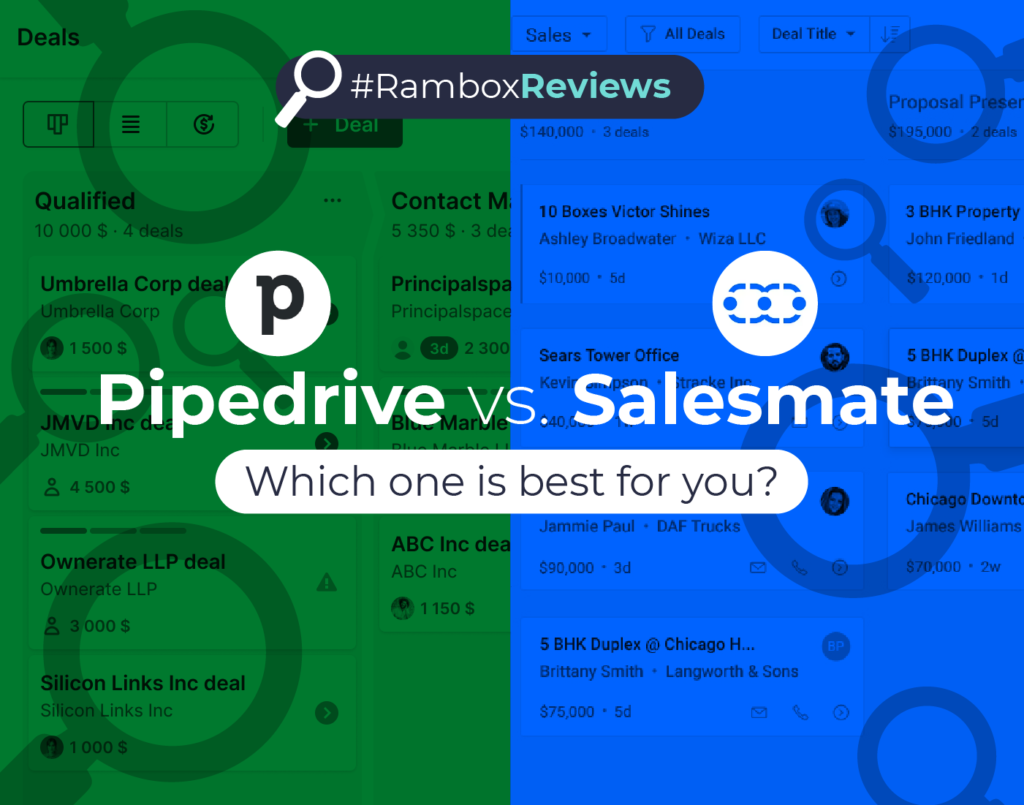
In today’s highly competitive business landscape, having a reliable Customer Relationship Management (CRM) tool is essential for organizations of all sizes. A CRM system helps businesses streamline their sales processes, manage customer relationships, and enhance productivity. Regarding choosing the right CRM software, two of the most popular choices are Pipedrive vs. Salesmate. This comprehensive review […]